"I only need this a handful of times a year, but it consistently gets the job done without any issues whatsoever."

Everything you need to edit, convert, and sign PDFs right in your browser.
Your files stay private and are securely stored and processed on our servers. Subscribe to download. Recurring billing. Cancel anytime. By using this service, you agree to our Terms of Service and Subscription Policy and acknowledge our Privacy Policy and Cookie Policy.


Upload and edit your file online in a few clicks.
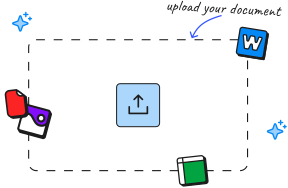
Click the Upload to edit button or move your file to the drop area.
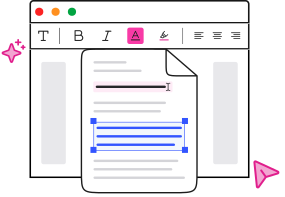
Use the toolbar to edit text, add images, or make any changes needed.
Review your changes and download your edited file.
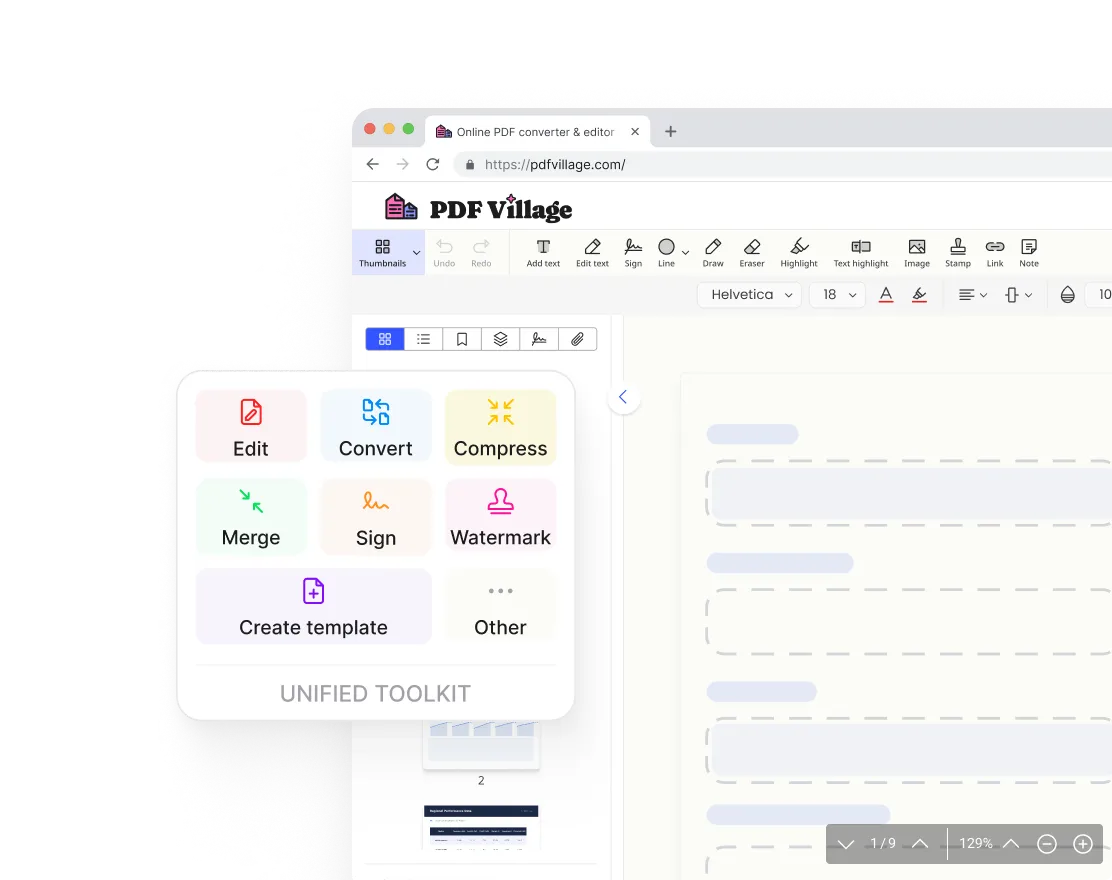
No more switching between tools. PDF Village brings editing, converting, signing, merging, and compressing into one place. Upload your file and get it done — no installations, no downloads.
“I used to juggle three different tools just to edit and convert a single file. Now I do everything in PDF Village without leaving my browser.”
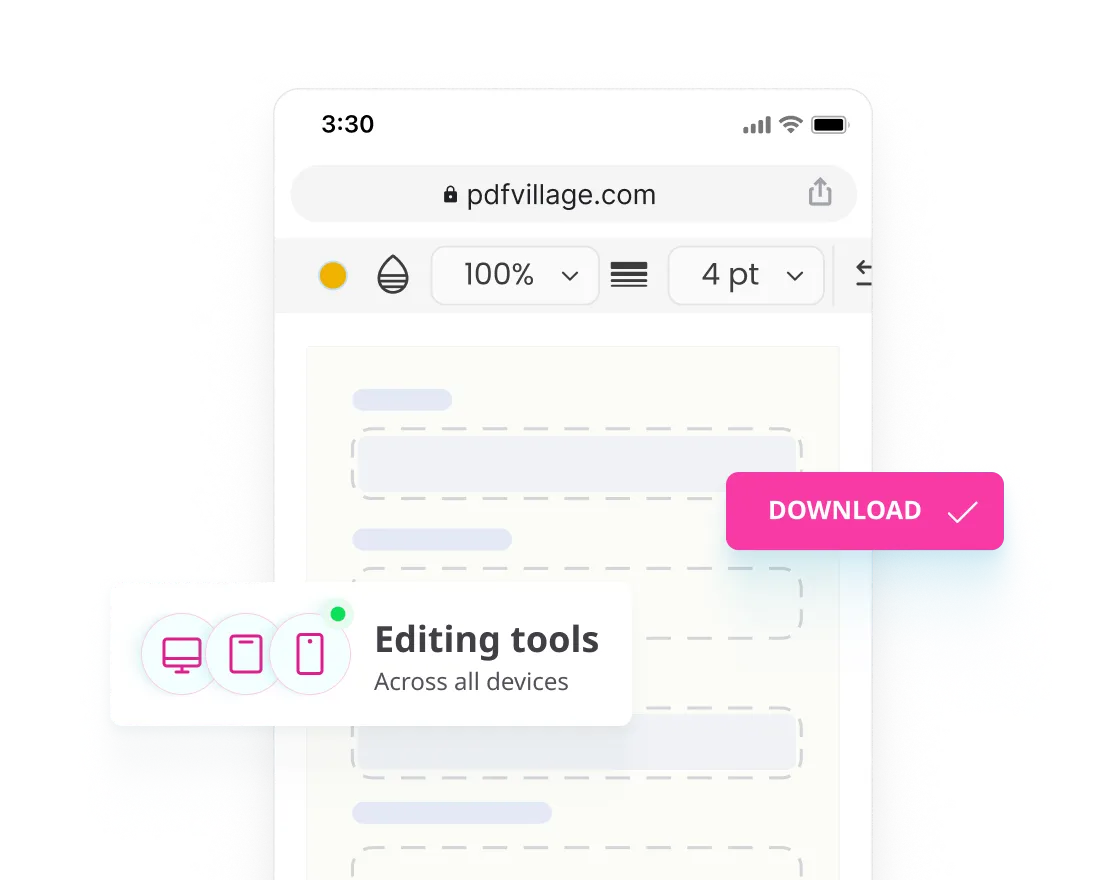
Pick up where you left off on any device. PDF Village runs entirely in your browser, so you can skip the downloads and start editing instantly on your laptop, tablet, or phone.
“I started editing a contract on my desktop and made final changes on my phone before the meeting. Everything looked exactly the same.”
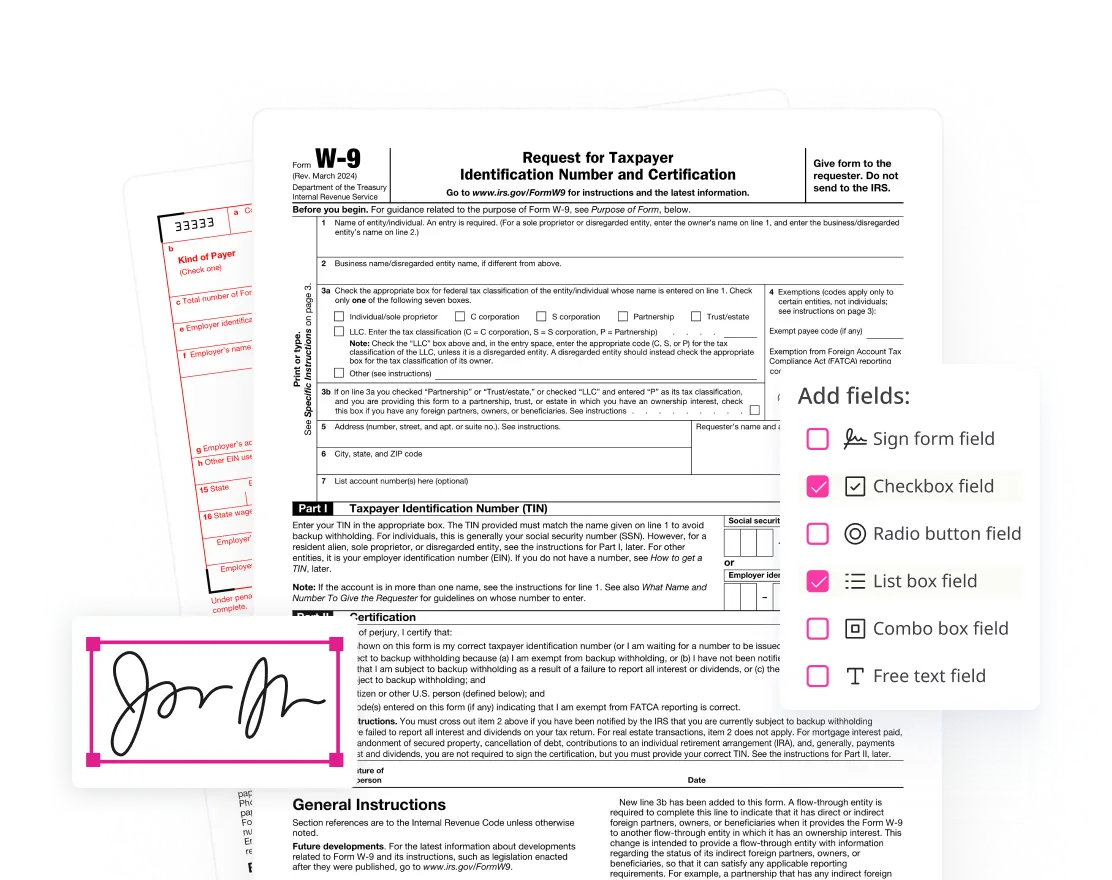
With PDF Village, you can fill out any PDF form directly in your browser: add text to fields, check boxes, insert your signature, and send it back. Fast, paperless, and completely secure.
“I had a rental application to fill out and sign before the end of the day. Uploaded it, filled in every field, signed it, and emailed it back in under 10 minutes”
"I only need this a handful of times a year, but it consistently gets the job done without any issues whatsoever."
"The watermark tool added our logo across draft proposals, and it stayed consistent across every page, no resizing issues."

"I'm not great with tech, but this made handling my documents feel surprisingly simple, no confusion at any step."

Upload any PDF and start editing right away. It only takes a few seconds.